"It works locally" is true and useless. The gap between a process running on your laptop and the same process running in a container behind a proxy is where almost every first deploy dies.
Here are the ten failures we see most, in roughly the order they occur, with what each looks like in the logs. None of them are clever. That is the point — the same handful of things break for almost everyone.
1. Binding to localhost
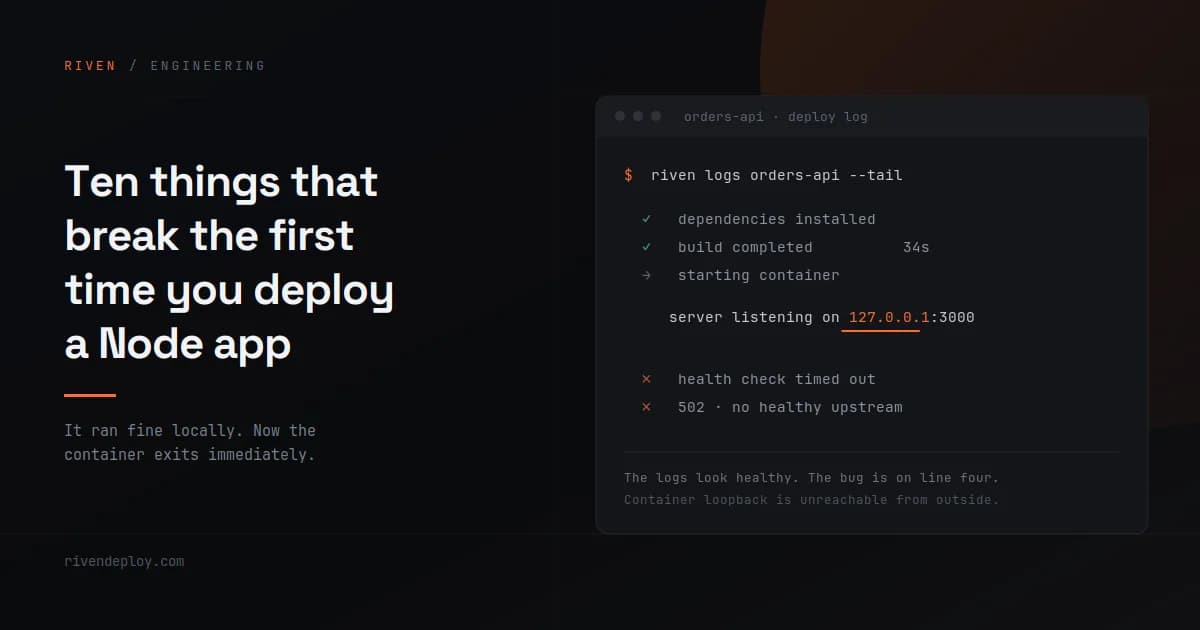
Your server starts, logs "listening on 3000", and every request returns a connection error or a 502.
app.listen(3000, "127.0.0.1")   // unreachable from outside the container
app.listen(3000, "0.0.0.0")     // correct
localhost inside a container means the container's own loopback interface. Nothing outside it — not the proxy, not the health check — can reach that socket. On your laptop there is no boundary, so the bug is invisible.
Express and Fastify default differently here, and Fastify's default of 127.0.0.1 catches people constantly.
Signature: healthy-looking startup logs, 502s from the proxy, health checks failing.
2. Hardcoding the port
The platform tells your app which port to use. If you ignore it and listen on your favourite number, nothing routes.
const port = process.env.PORT || 3000;
app.listen(port, "0.0.0.0");
The || 3000 matters — it keeps local development working while letting production override.
Signature: identical to the previous one, which is why they get confused. Log the port you actually bound to, not the one you intended.
3. Your TypeScript loader is a devDependency
This one is specific and vicious. Your only script is:
"dev": "tsx server.ts"
No build step, no start. In production the install runs npm ci --omit=dev, the runner image copies production dependencies only, and tsx is a devDependency. The loader your app needs to start was never in the image.
Two fixes. Either compile properly — tsc in build, node dist/index.js in start — or move tsx into dependencies and accept the cost. The first is correct; the second gets you deployed today.
Signature: sh: tsx: not found, or exit code 127 right after install succeeds.
4. Build output that does not match what start expects
tsconfig.json says outDir: build. Your start command says node dist/index.js. Locally you never noticed because you always ran dev.
Signature: Cannot find module '/app/dist/index.js'. The path in the error is the truth; check it against your actual build output.
5. Env vars that only exist in a gitignored file
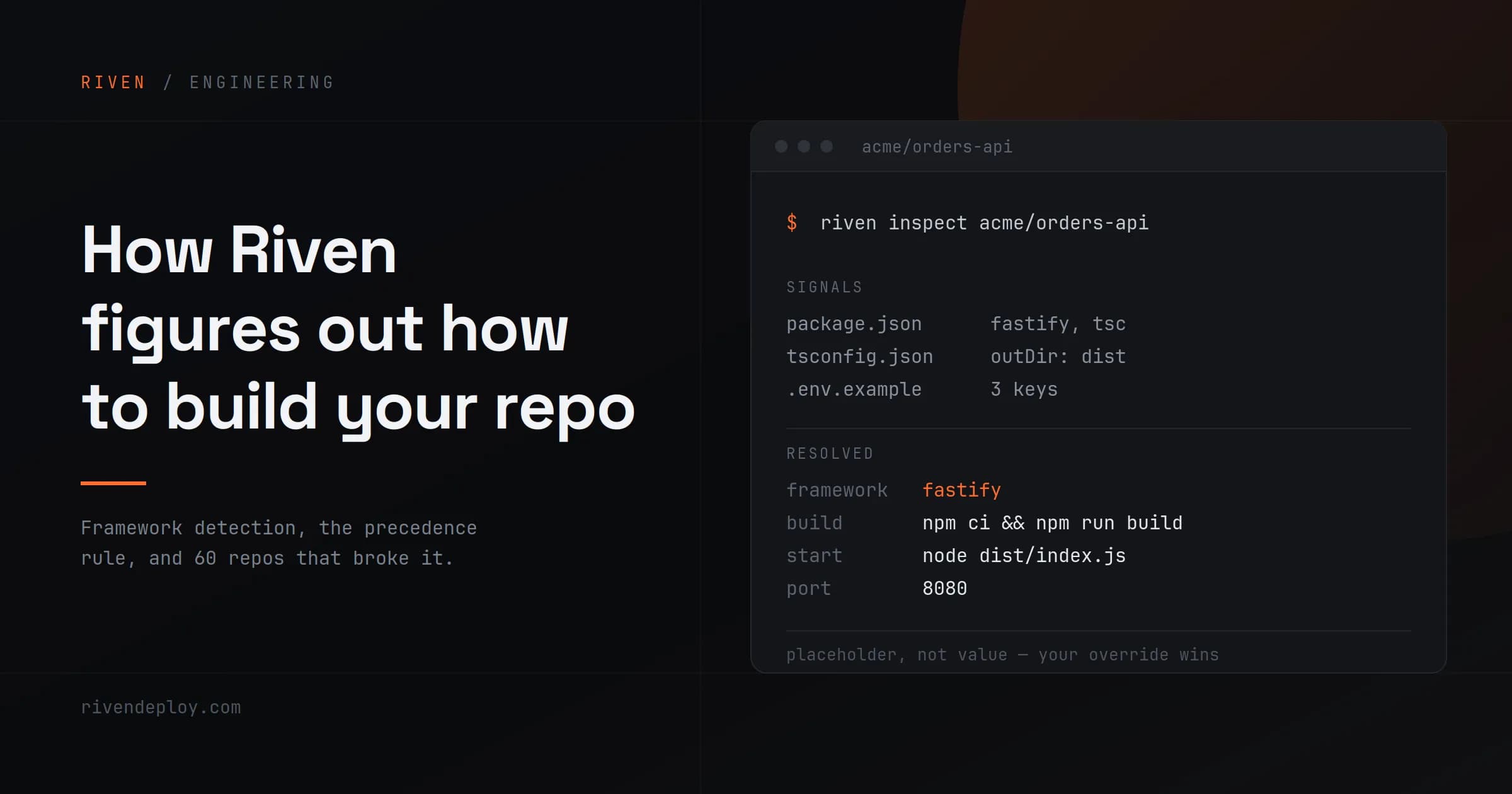
.env is in .gitignore, correctly. So it is not in the repo, so it is not in the image, so process.env.DATABASE_URL is undefined in production.
Commit a .env.example with the keys and no values. It costs nothing, it documents what your app needs, and most platforms will read it to pre-fill the env fields for you.
Signature: undefined is not a valid connection string, or a client library failing at import time with a confusing message.
6. Migrations that nobody ran
The database is provisioned and empty. Your app connects fine and then every query fails on a missing table.
Decide explicitly where migrations run. Common options: as part of the build command, as a release step, or manually before the first deploy. Prisma projects with a schema.prisma but no migrations folder typically need:
npx prisma generate && npx prisma db push
Projects with real migrations should run migrate deploy, not db push.
Signature: relation "users" does not exist, or the ORM equivalent.
7. System packages that are not there
Your app shells out to ghostscript, or ffmpeg, or ImageMagick. Locally these are installed on your machine. The container has Node and nothing else.
sh: gs: not found → exit 127
Exit code 127 means "command not found" and it is almost always this. You either need a base image that includes the binary, or a Dockerfile step that installs it.
Signature: works for every request until the one that touches the binary, then crashes or 500s.
8. File writes that disappear
You save uploads to ./uploads and they are gone after the next deploy, or after the container restarts, or they exist on one instance and not another.
Container filesystems are ephemeral. Anything you want to keep goes to object storage — S3, R2, or equivalent. This is not a platform limitation, it is what containers are.
Signature: files upload successfully, then 404 later. Worst kind of bug, because it passes every test you run immediately after deploying.
9. Upload size limits at the proxy
Your app happily accepts a 5MB file. The reverse proxy in front of it rejects the request before your code runs.
nginx defaults client_max_body_size to 1MB. Most managed platforms raise it, but the limit exists somewhere in the chain, and the error comes from the proxy, not your app.
Signature: a 413 with an error page that does not look like yours. Check the Server header — it tells you which layer rejected the request.
10. Node version mismatch
You are on Node 22 locally. The build picks 18. Something in your dependency tree uses a syntax or API that does not exist there.
"engines": { "node": ">=20" }
Most build systems read this. Set it. It takes ten seconds and removes an entire category of "works on my machine."
Signature: a syntax error in a file inside node_modules, which looks alarming and just means the runtime is too old.
The pattern underneath
Look at that list again. Eight of the ten are the same mistake in different clothing: something existed in your local environment that you never declared, so it did not travel.
Your machine has the port free, the env vars loaded, the system binaries installed, the disk persistent, the Node version you chose, and dev dependencies present. Production has none of that unless you say so.
A useful habit before your first deploy: read your app's startup path and write down every external thing it assumes. Port, host, env vars, database state, binaries, writable paths, runtime version. That list is your deploy config. Everything above is what happens when an item on it goes unwritten.
If you want to see what a platform infers about your repo before you deploy it, Riven will show you the detected build command, start command, port and env keys up front — so the assumptions are on screen instead of in the logs.